
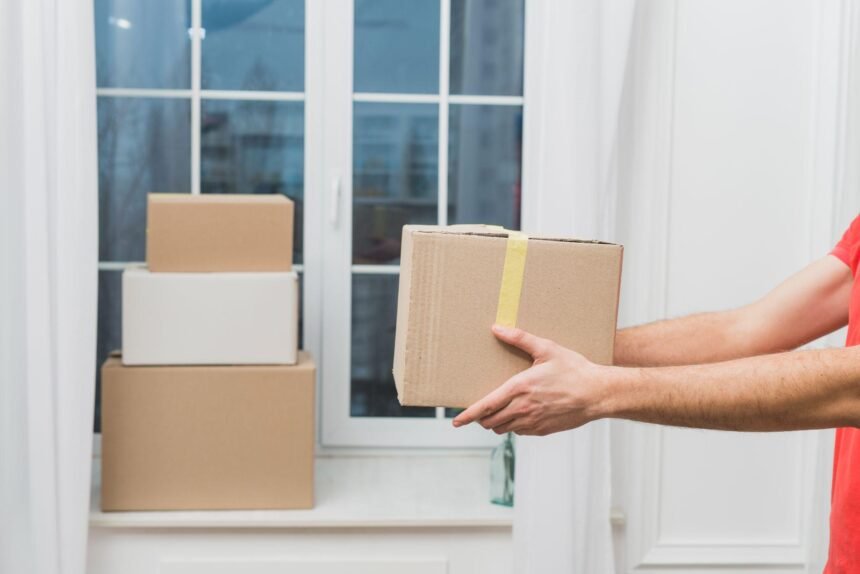
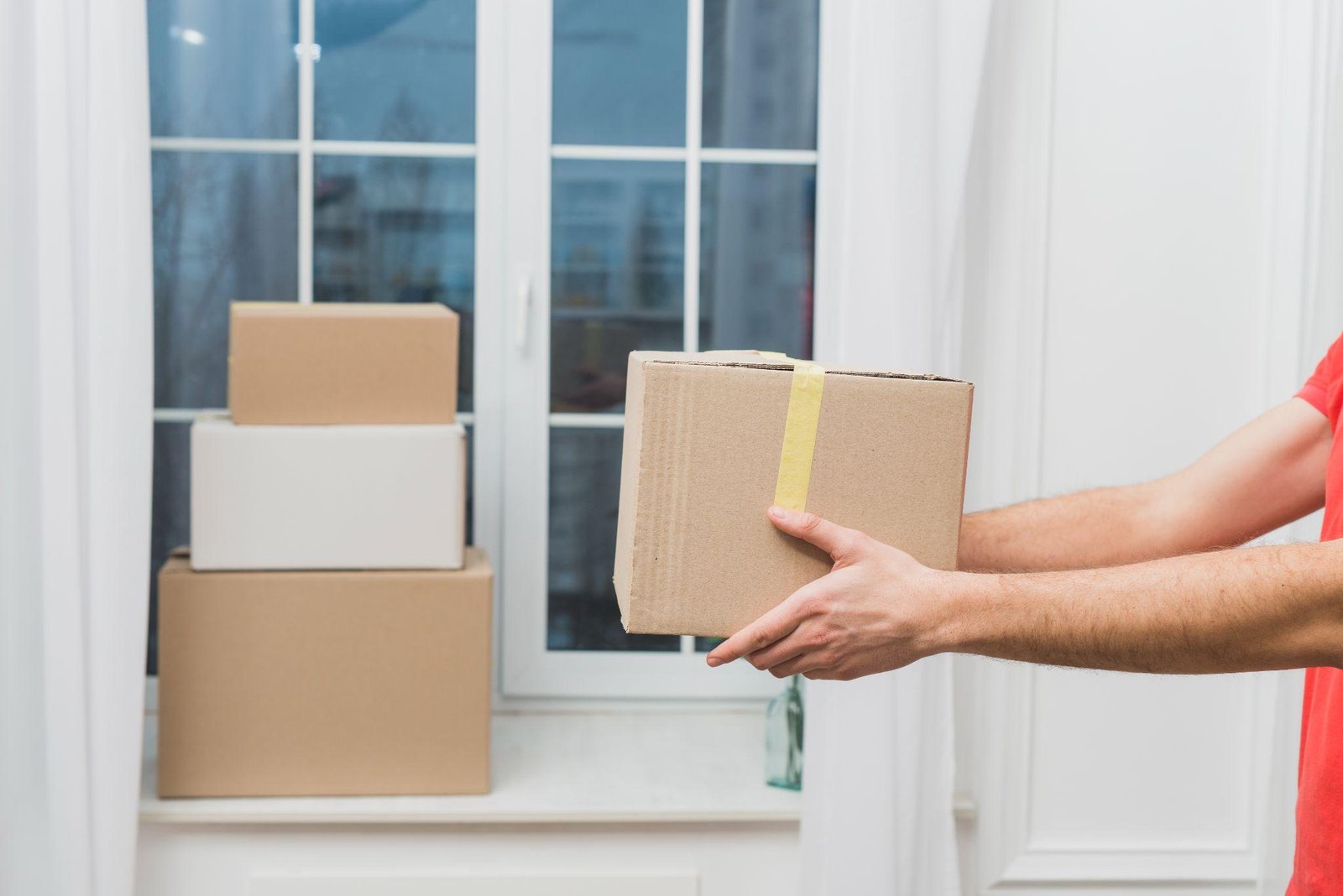
When you order from a store in another state, the delivery date can depend on how quickly the seller prepares the parcel and where it ships from. Before placing an order that involves shipping across the USA, enter your ZIP code to see which delivery options the retailer offers for your address. This is especially useful when you need an outfit or a gift by a specific date.
What Should You Check Before Placing an Order?
Read the shipping details for the items in your cart, since a preorder may have a different schedule from an item that is in stock. At checkout, review these details:
- processing time — check when the retailer expects to pack and hand over the order, especially if you’re shopping near a weekend or holiday;
- delivery estimate — look for an arrival date or range tied to your ZIP code and the shipping option you selected;
- address eligibility — confirm the retailer can deliver to your location, particularly if you use a PO box or live in Alaska or Hawaii;
- split shipments — check whether items from different warehouses or sellers will arrive in separate parcels;
- delivery instructions — enter the apartment or unit number and check whether the carrier can use a building access code or requires a signature.
Save the order confirmation so you can refer to the delivery window shown at checkout. If you’re buying several items for the same occasion, check the estimate for each one before you order.
How Do You Read the Tracking Updates?
A “label created” update tells you the retailer has prepared a label. Look for an acceptance or pickup scan to see when the carrier took possession of the parcel. If tracking still shows only the label after the retailer’s stated processing window, ask the seller whether the order has been handed over.
Check each tracking number if your order ships in separate boxes. If a parcel shows as delivered and you can’t find it, look for a delivery photo or location note and check your mailroom or front desk. Have the order number and tracking details ready when you contact the seller.
What Should You Know About Sending a Return?
Check when the return window starts and whether the seller requires you to start the return online. If you ordered two sizes, confirm which item belongs on each return label before packing anything. Keep the original packaging until you’ve checked the fit and condition of the purchase. When the seller sets a deadline, check whether the return must be shipped or received by then.
Ask whether the retailer provides a carrier label or a code for drop-off. If you need to arrange the shipment yourself, confirm the return address, use a box that protects the item, and save the drop-off receipt until the return is processed.
Polonez offers domestic parcel services for local and nationwide deliveries. If the seller lets you choose a carrier for your return, confirm that the service provides the tracking or proof of delivery the retailer requires.